
 Become A Jaguar
 Request Info
 Apply
 Get Game Tickets
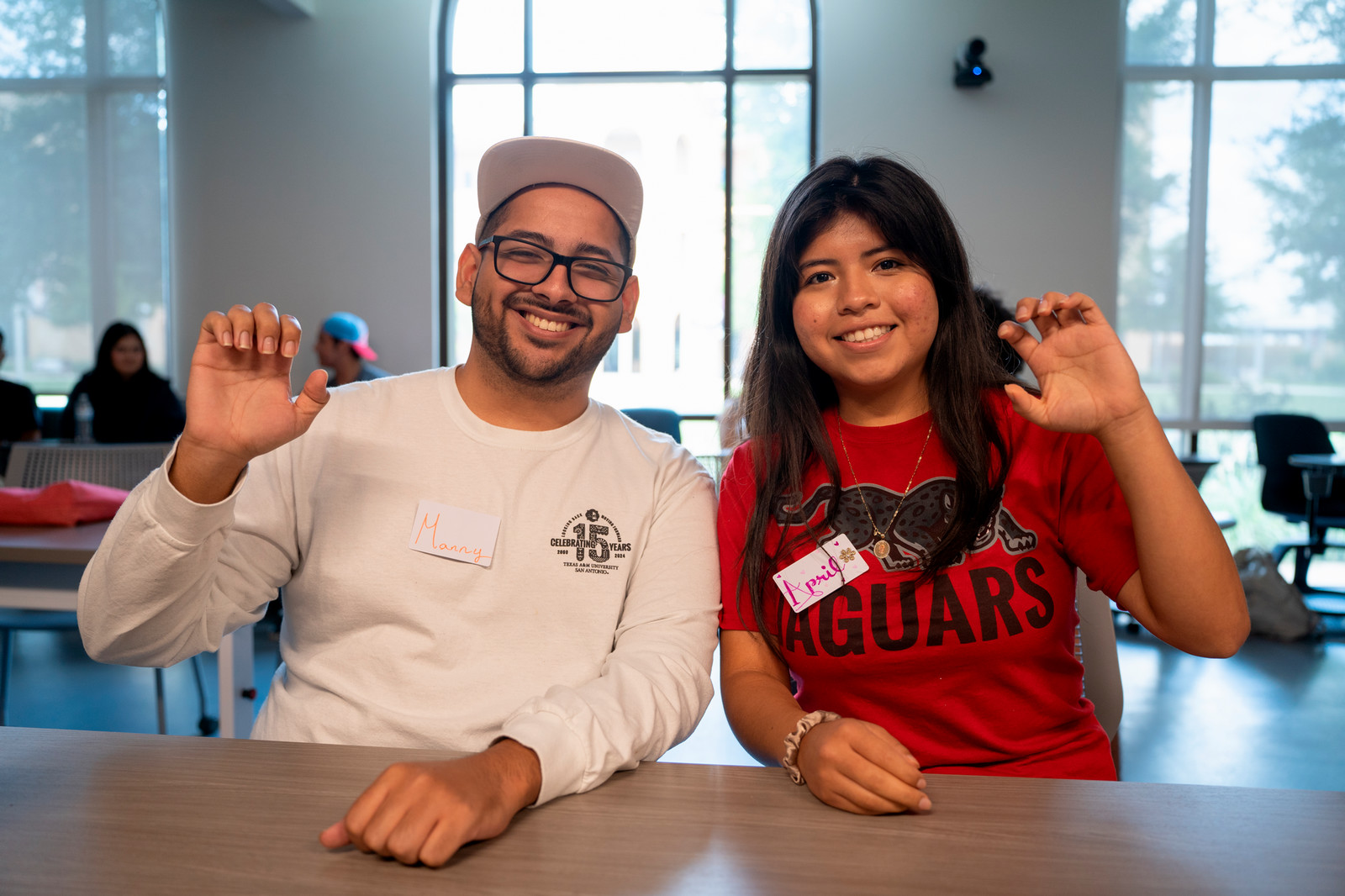
The Academic Learning Center offers free tutoring services to support you. Whether you prefer in-person appointments, need quick help through walk-in math tutoring, or want to meet with an online tutor, we’ve got you covered!
Hours of Operation:
Monday - Thursday, 8 AM - 6 PM
Friday: 8 AM - 5 PM
Math Walk-in Hours:
Monday - Thursday, 9 AM - 5 PM
Friday: 11 AM - 4 PM
Taking a summer class?
Free online tutoring is available through Brainfuse Live Help.
Access it anytime through the Tools menu in Blackboard.
How do I schedule a tutoring appointment?
You can schedule your appointment through Blackboard in the tutoring platform Brainfuse. You can find Brainfuse in the Tools section in your Blackboard menu. Then click on Brainfuse Live Tutoring. Once it loads, you will see two options: Live Help and Tutor Match.
- Live Help is on-demand online tutoring for a variety of subjects
- Tutor Match is the scheduling platform to schedule with an A&M SA Tutor
Steps to start a Live Help session:
To start a Live Help session, first select the topic and subject you want tutoring in. When you click “Check Tutor Availability,” you will see which hours tutors are available.
For most math classes, Live Help is available 24/7.
Once you have made all the selections, click Connect, and you will be loaded into a virtual dry-erase room. On the bottom right, you can chat with your tutor, upload a file, or translate your text in real time.
Steps to schedule with an A&M SA tutor:
To schedule a tutoring appointment, you will choose a topic and a subject under Tutor Match and then click Schedule
You will then see the dates and times that our A&M SA tutors are available to meet. Once you find a date and time that works for you, click Select, then input your phone number and any notes that you want your tutor to know about your session.
After you click Request Session, you will receive a confirmation email at your student email.
To watch a video on how to get Live Help or how to schedule with a tutor, you can go to this YouTube page:
To watch a video on how to get Live Help or how to schedule with a tutor, you can go to this YouTube page: Maximize Your Success: A&M San Antonio Tutoring Options
Book an Appointment



Watch our Academic Learning Center Introduction video.
Frequently Asked Questions
How do I schedule a tutoring appointment?
You can schedule your appointment through the Brainfuse tutoring platform in Blackboard. You can find Brainfuse in the Tools section in your Blackboard menu. Then click on Brainfuse Live Tutoring. Once it loads, you will see two options: Live Help and Tutor Match.
- Live Help is on-demand online tutoring for a variety of subjects
- Tutor Match is the scheduling platform to schedule with an A&M SA Tutor
Steps to start a Live Help session:
To start a Live Help session, first select the topic and subject you want tutoring in. When you click “Check Tutor Availability,” you will see which hours tutors are available.
For most math classes, Live Help is available 24/7.
Once you have made your selections, click Connect to enter a virtual dry-erase room. On the bottom right, you can chat with your tutor, upload a file, or translate your text in real time.
Steps to schedule with an A&M SA tutor:
To schedule a tutoring appointment, you will choose a topic and a subject under Tutor Match and then click Schedule
You will then see the dates and times that our A&M SA tutors are available to meet. Once you find a date and time that works for you, click Select, then input your phone number and any notes that you want your tutor to know about your session.
After you click Request Session, you will receive a confirmation email at your student email address.
To watch a video on how to get Live Help or how to schedule with a tutor, you can go to this YouTube page: https://youtu.be/EqrmjGLyHUQ?si=1rXLc6CB5RKnJX4V
How many appointments can I schedule per week?
You may schedule up to 3 appointments per week, subject to tutor availability.
How late can I be to a tutoring session?
How do I reschedule my appointment if I can't make it?
When you schedule a tutoring appointment, you will receive a confirmation email via Blackboard. Toward the bottom of the confirmation email, you can cancel or reschedule your appointment.
Do I need an appointment if I need tutoring?
Walk-In appointments are available for Math only. All other subject areas require an appointment.
The online tutoring platform Brian Fuse provides live, on-demand tutoring that serves as a walk-in appointment.
Do I have to keep the same tutor?
Students are welcome to schedule with any tutor for any subject. When you choose the subject you need tutoring for, you'll see a list of tutors; you can decide each time whether to continue with the same tutor or choose a different one.
If you have any concerns about a tutoring session, email tutoring@tamusa.edu.
How do I know if my class offers Supplemental Instruction (SI)?
Supplemental instruction is offered in three select courses: Math, Biology, and Chemistry
To find out whether supplemental math is offered in your Math, Bio, or Chemistry course, ask your professor or email tutoring@tamusa.edu.
Can multiple students attend tutoring together as a group?
Does the ALC tutor for the Math TSI test?